I grew up holding the flashlight for my dad while he poked around the furnace closet muttering, “It’s always something simple.” He was right more often than not. When your thermostat is set to Heat and the furnace never starts, the problem is often a power issue, a setting mismatch, or a safety shutoff, not a mysterious “dead furnace” situation.
This checklist walks you through the safest, most common causes in the order I would check them at my own house. No guesswork, no risky gas work, and clear points where it is time to stop and call an HVAC pro.
Stop immediately if you notice these danger signs
Before we troubleshoot, here are the hard boundaries. If any of these are true, do not keep cycling the system on and off.
- You smell gas (rotten egg or sulfur smell). Leave the house and call your gas utility or emergency services from outside.
- You see smoke, scorch marks, or melting on the furnace, wiring, or outlet.
- You hear loud banging or booming from the furnace cabinet when it tries to light.
- The furnace short-cycles rapidly (turns on for a few seconds then off, repeatedly) or the blower runs nonstop with a burning smell.
- You have symptoms of possible carbon monoxide exposure (headache, dizziness, nausea), or your CO alarm is actively alarming. Leave immediately.
Important: A CO detector that is chirping is often a low-battery or end-of-life warning, not a CO emergency alarm. Replace the batteries or the detector right away and follow the device instructions. If it ever goes into full alarm, treat it as an emergency.
If none of those apply, you can move on to the safe checks below.
Quick reality check: is the thermostat calling for heat?
1) Turn the temperature up and listen
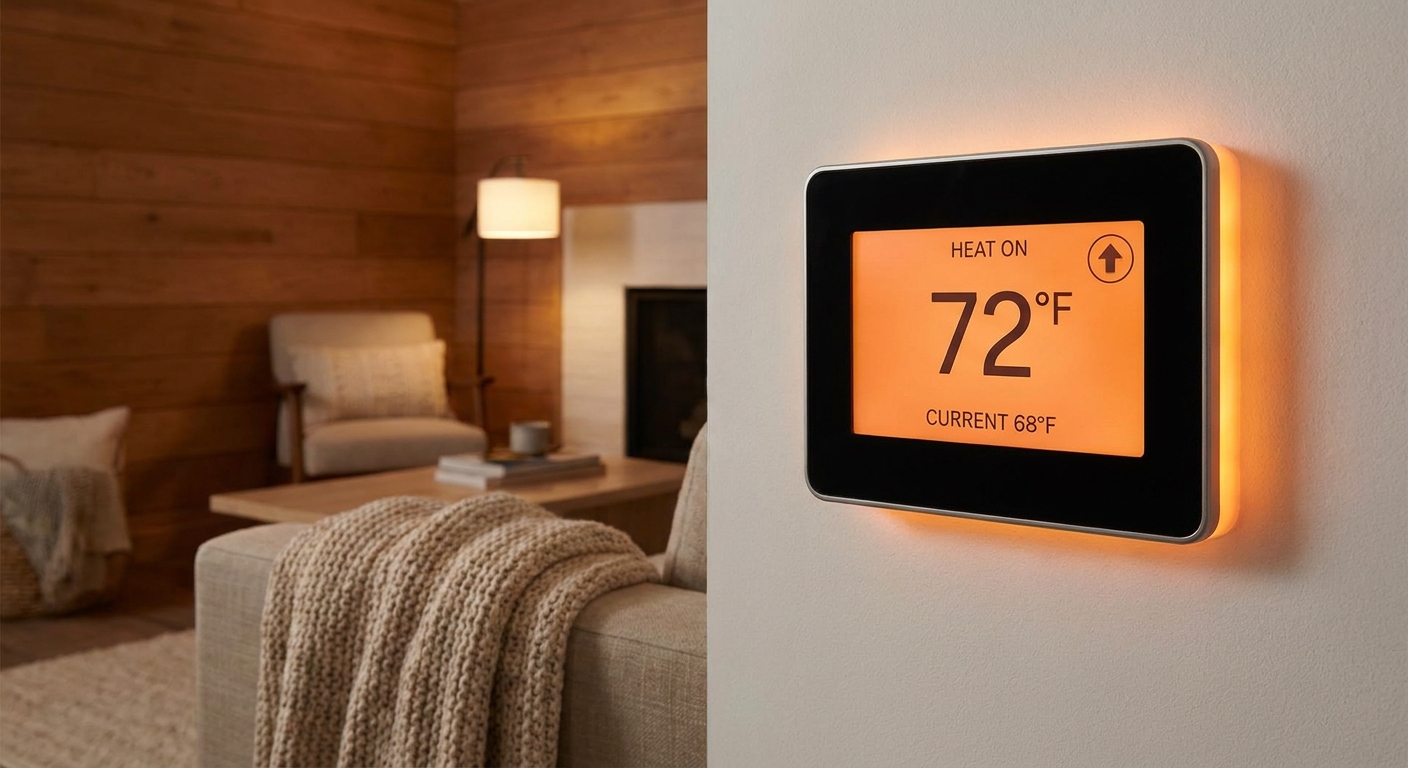
Set the thermostat to Heat, then raise the setpoint 3 to 5 degrees above room temp. Many thermostats make a faint click, and smart thermostats usually show Heating or a flame icon. Some furnaces also have a normal delay while the control board thinks through the start sequence, so give it a minute.
2) Replace thermostat batteries (if it has them)
If your thermostat takes batteries, replace them even if the screen is still on. On some models, weak batteries can let the display work but cause flaky signals when it tries to call for heat.
- Pull the thermostat face straight off the wall plate (most snap on and off).
- Install fresh batteries in the correct orientation.
- Snap it back on and try calling for heat again.
If batteries do not fix it, continue to the power checks below. A hardwired smart thermostat can also act strange if the furnace is not supplying steady 24V power.
3) Check the system mode and fan setting
- Mode: Heat (not Cool, Off, or Emergency Heat unless you have a heat pump and know what you are doing).
- Fan: Auto for testing. If Fan is set to On, you may hear the blower even when there is no heat, which can confuse the diagnosis.
- Schedule: Temporarily override schedules or “Eco” modes so the thermostat will actually call for heat.
4) If you recently replaced the thermostat, double-check setup
If the thermostat is new, a common mistake is the equipment type being set wrong (for example, heat pump vs conventional furnace, or the wrong staging). If you have not touched thermostat wiring or settings recently, you can skip this.
Confirm the furnace has power
Even if the thermostat is fine, the furnace cannot respond if it has no electrical power. Modern furnaces have multiple ways to lose power that do not look obvious at first glance.
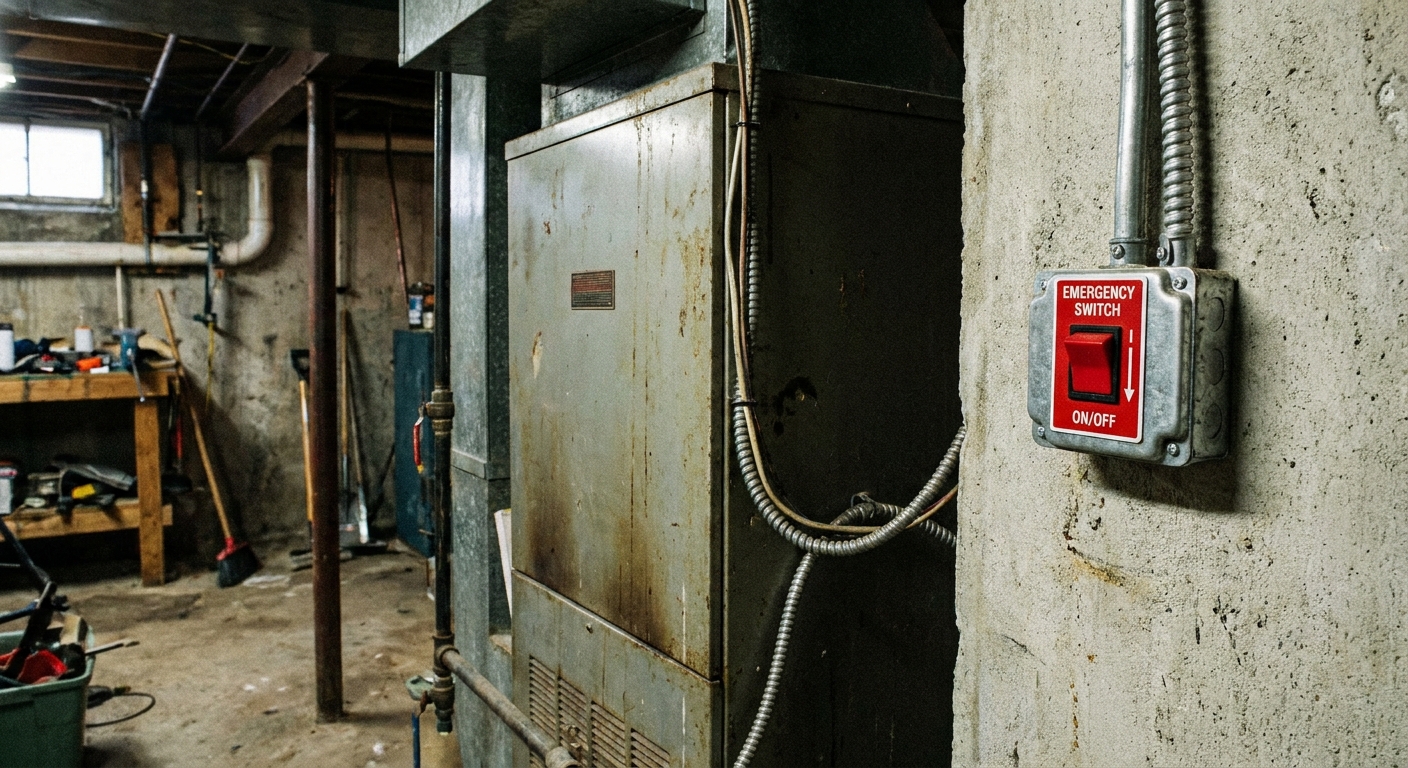
5) Check the furnace service switch
Most furnaces have a light-switch style shutoff switch on a nearby wall or on the side of the unit. It is easy to bump with a laundry basket or storage tote.
- Flip it fully Off, then fully On.
- Look for any indicator light on the furnace cabinet (some have a small viewing window).
6) Check the circuit breaker
Go to your electrical panel and look for a breaker labeled Furnace, HVAC, Air Handler, or sometimes just Basement. In some homes, the furnace shares a breaker with an air handler, attic unit, or a nearby outlet, so labels vary. Breakers do not always look “off” when they trip.
- Push the breaker handle firmly to Off.
- Then push it firmly back to On.
If it trips again immediately, stop and call a pro. Repeated resets can damage equipment and may indicate a short.
7) Check the furnace door safety switch
This one gets a lot of homeowners. Most furnaces have a door switch that cuts power if the front blower compartment panel is not seated properly. The switch is usually a little spring-loaded plunger that gets pressed in when the panel is on. If you recently changed the filter, you might have nudged the panel just enough to un-press that switch.
- Turn off the furnace service switch first for safety.
- Remove and reinstall the access panel carefully, making sure it sits square and tight.
- Turn the switch back on and try again.
Airflow problems that stop heat
Furnaces are designed to shut themselves down if they overheat. Poor airflow is the most common cause, and the most common airflow problem is a neglected air filter.
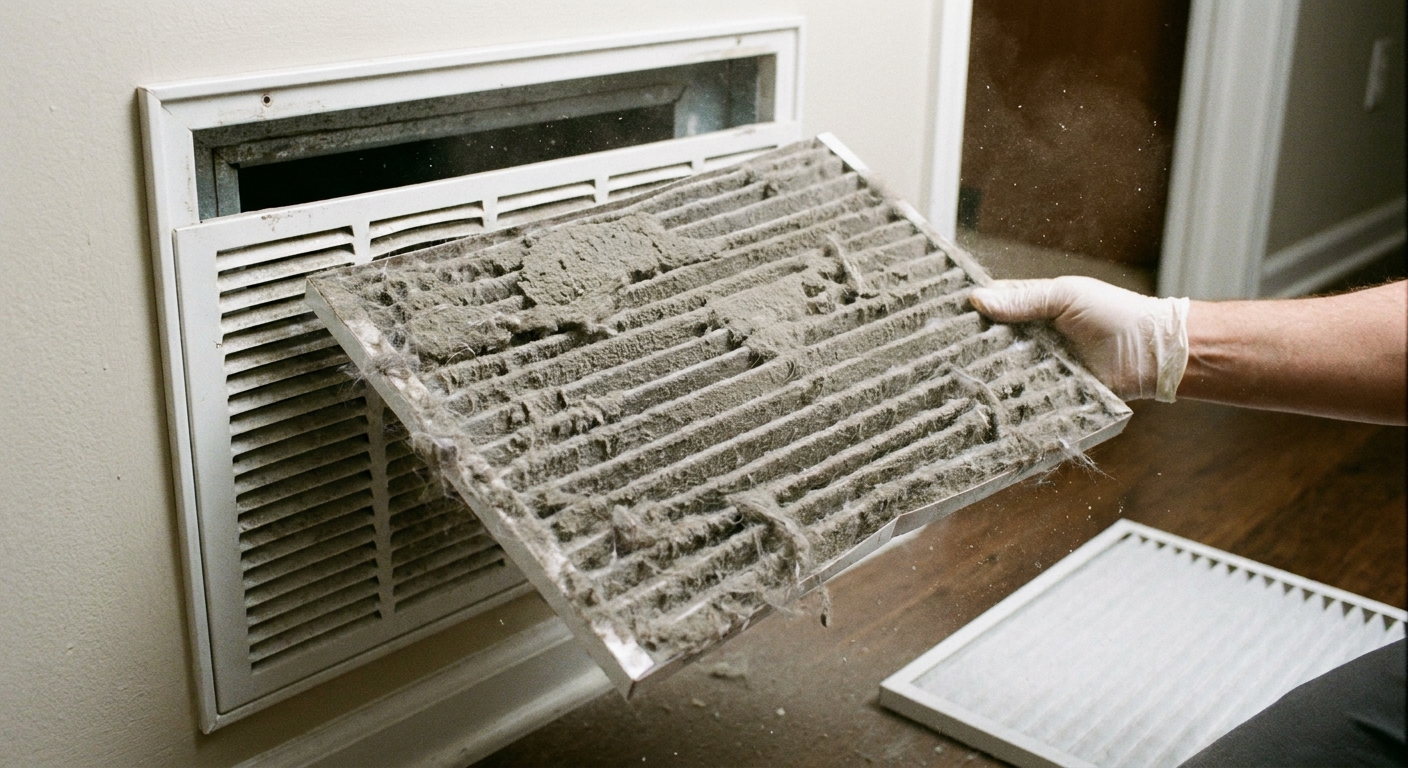
8) Inspect and replace the air filter
If your filter is packed with dust, the furnace can overheat and trip the high-limit switch. In many cases the furnace will start, the burners will light, then it will shut the burners off and run the blower to cool down. Depending on the control logic, repeated overheating can also lead to retries and lockout, which can look like a “no start.”
- Turn the furnace power switch off.
- Slide the filter out and check it against a bright light. If you cannot see much light through it, replace it.
- Install the new filter with the airflow arrow pointing toward the furnace.
- Turn power back on and test heat.
Important: If you have been running without a filter, shut the system down and call for service. A dirty blower wheel or clogged evaporator coil can also cause overheating and needs proper cleaning.
9) Make sure supply and return vents are not blocked
Closed registers will not always stop a furnace from starting, but they can contribute to overheating and limit trips.
- Open several supply vents around the house.
- Make sure return grilles are not covered by rugs, furniture, or stuffed with pet hair.
Safe checks on the furnace
You can do a couple of visual checks safely, as long as you do not start disconnecting gas lines, loosening burner components, or bypassing safety switches.
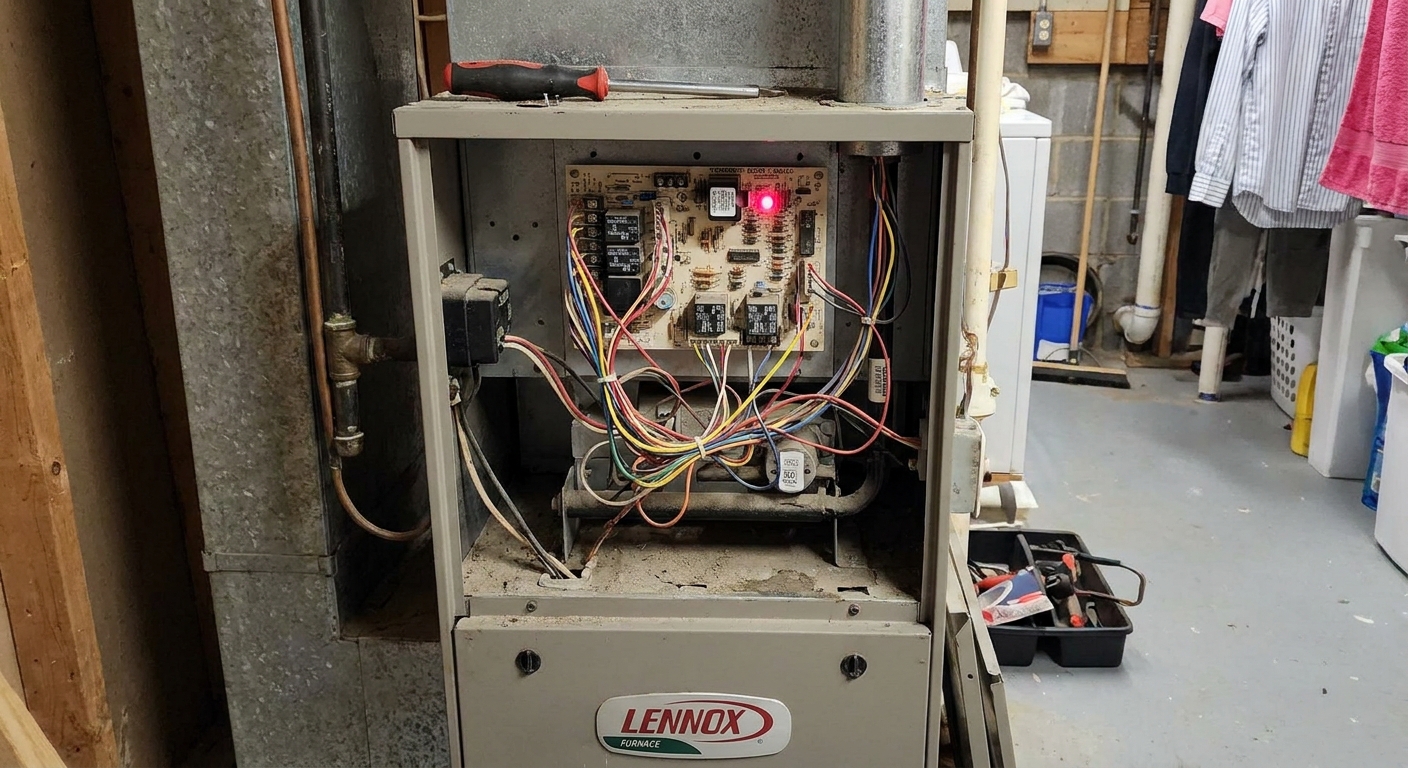
10) Look for a blinking LED error code
Many furnaces have a small clear window on the front panel. Behind it, a control board LED blinks a pattern that indicates a fault. If you see blinking:
- Write down the blink pattern (for example, “two blinks, pause, two blinks”).
- Look for a code chart on the inside of the panel you removed or on a sticker near the blower compartment.
- Reinstall the panel securely before running the furnace.
If the chart points to pressure switch faults, ignition faults, rollout, or limit issues, that is often pro territory because it involves combustion air, venting, or flame safety.
11) Check for a blown low-voltage fuse (look only)
Many furnaces have a small automotive-style fuse (often 3A or 5A) on the control board that protects the 24V circuit. If it is blown, the furnace can act dead or stay silent.
- If you can view the control board through a sight window, look for an obviously blown fuse.
- If you have to remove panels to access it, do not poke around unless you are comfortable shutting power off and reinstalling doors correctly.
If the fuse is blown, it is usually safer to call a tech. Fuses often blow because something shorted, and simply replacing it can blow the new one instantly.
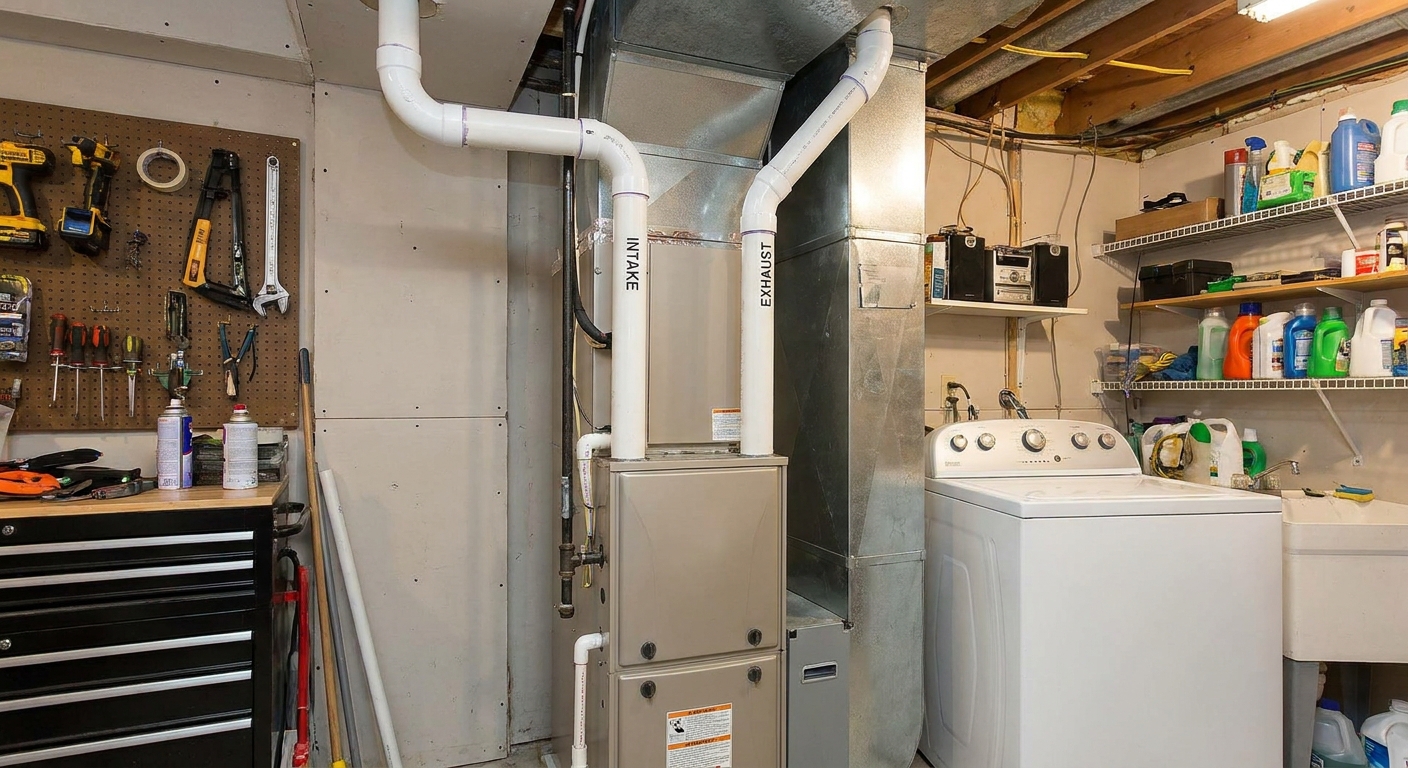
12) Confirm the condensate line is not overflowing (high-efficiency furnaces)
If you have a high-efficiency furnace (PVC vent pipes and a drain line), a clogged condensate drain can trigger a safety switch and prevent firing. Some systems have a float switch or a wet safety that will shut things down if water backs up.
- Look for standing water around the furnace base or near the condensate pump.
- If you have a condensate pump, confirm it is plugged in and the outlet works.
Clearing drains can be DIY, but if you are unsure what you are looking at, call a pro. Water plus electronics is a bad combination.
13) Gas shutoff valve: a visual check only
If you have a gas furnace and everything is otherwise normal but it still will not light, you can do one safe check: look at the manual gas shutoff valve near the furnace.
- In general, a handle that is parallel to the gas pipe is On, and perpendicular is Off.
If you are not 100 percent sure what you are looking at, stop and call a pro. Do not force any valve.
If the thermostat calls but nothing happens
Here is how I narrow it down without specialized tools.
- Thermostat screen is blank: Replace batteries (if applicable) and check the furnace breaker and service switch. Blank screens often trace back to power.
- Thermostat shows Heating but furnace is silent: Wait a minute for normal delays, then check furnace power, door switch, and breaker.
- Furnace hums or clicks but will not light: This can be ignition, flame sensor, pressure switch, or gas supply issues. At this point, stop DIY and call HVAC unless you are trained.
- Furnace starts then shuts off quickly: Often overheating (dirty filter, blocked vents) or flame sensing. Replace the filter and open vents, then call a pro if it continues.
What I do not DIY for this symptom
As a former contractor and a lifelong DIYer, I am all for homeowners learning their systems. But a no-start furnace can cross into combustion safety fast. I recommend leaving these to a licensed HVAC technician:
- Testing or replacing a gas valve
- Adjusting manifold gas pressure
- Bypassing or jumping pressure switches, rollout switches, or limit switches
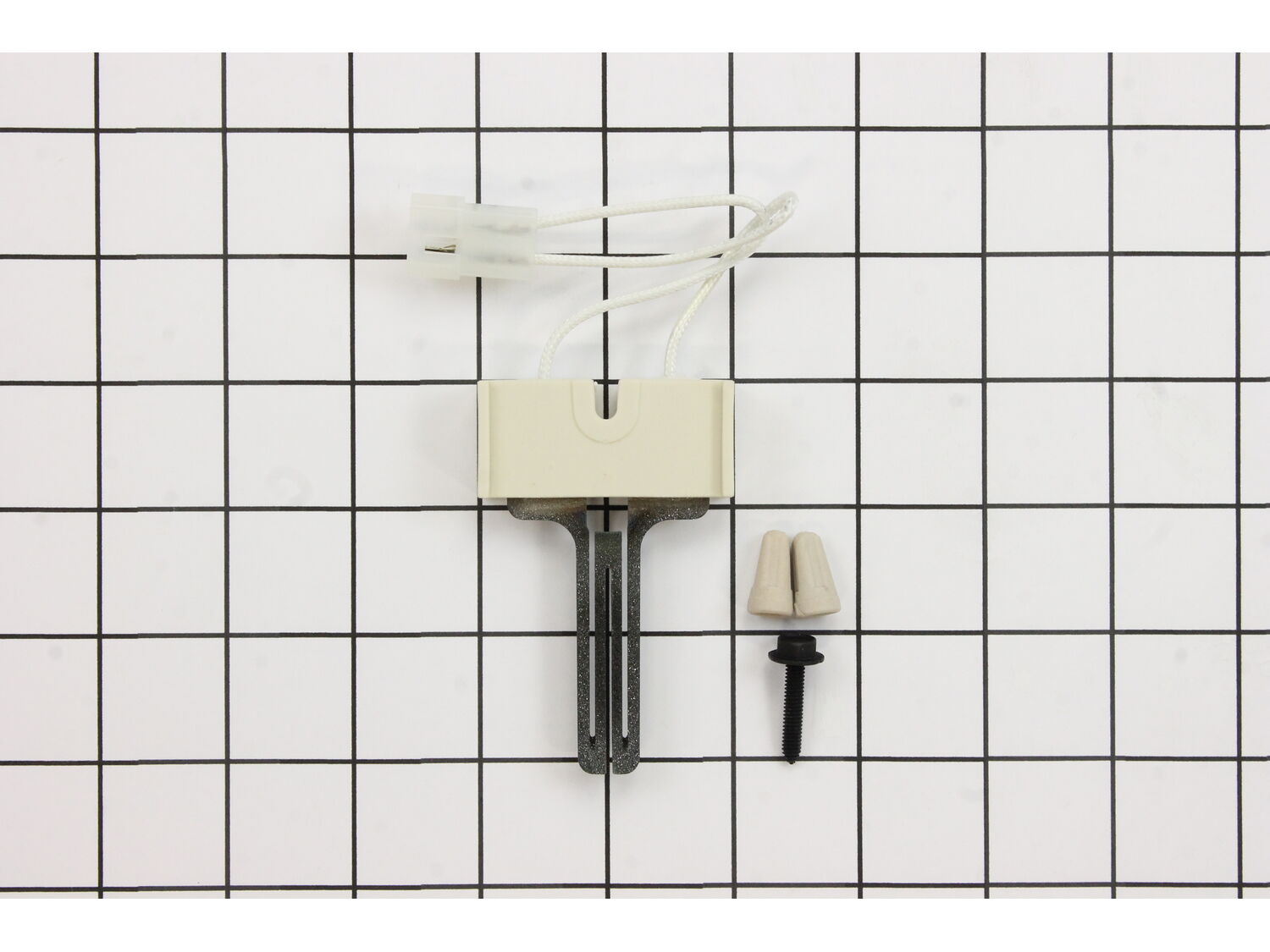
- Replacing an igniter or working in the burner compartment if you are not experienced
- Diagnosing venting and combustion air problems
- Anything involving carbon monoxide concerns
If you did the basic checks above and still have no heat, you have already done the homeowner-appropriate work. The rest is where pros earn their money.
When to call for service
If the furnace still will not start after confirming thermostat settings, furnace power, panel seating, and a clean filter, it is time to call for service.
When you call, you will get faster help if you share:
- Furnace type: gas, propane, oil, or electric
- Approximate age of the furnace (even a guess helps)
- What the thermostat shows when calling for heat
- Whether you hear any sequence (fan, click, hum)
- Any blinking LED fault code pattern
- Whether the filter was dirty and has been replaced
- Whether there is any standing water at the condensate line or pump
That short summary saves the tech time and usually saves you money, too.
FAQ
Why is my thermostat set to heat but the furnace does nothing?
The most common reasons are loss of power to the furnace (service switch, breaker, door switch), thermostat battery failure (on battery models), thermostat misconfiguration after replacement, or a safety lockout condition triggered by overheating or a fault detected by the control board.
Can a dirty filter keep a furnace from heating?
Yes. A clogged filter can restrict airflow and cause overheating, which opens the high-limit switch. Often the burners will light and then shut off while the blower keeps running. If it happens repeatedly, some furnaces will lock out and may appear unresponsive until the issue is fixed and the system is reset.
My blower runs but there is no heat. Is that the thermostat?
Sometimes, but often it is the furnace protecting itself. A limit switch trip, ignition failure, or flame-sensing issue can leave the blower running to cool the heat exchanger while the burners stay off. Replace the filter and verify vents are open, then call for service if it continues.
Is it safe to keep turning the thermostat up and down to try again?
Do not rapid-fire the system. Repeated calls for heat can worsen an overheating condition or keep a unit in lockout. Make a change, wait a few minutes, observe, then move to the next check.